
Audiodisplayed Meaning: What It Is and Does It Mean Someone Listened?
If you have ever opened a chat or a call log and seen the word audiodisplayed, you may have stopped and wondered what it actually means. The audiodisplayed meaning is not as simple as it first looks, because it sounds like proof that someone listened to your audio. In most cases, it is a technical status, not a promise that every second was heard. This guide explains audiodisplayed in simple English, how it differs from delivered, played, and completed, and how to work out what it means in your own case.
Quick Answer: What Does Audiodisplayed Mean?
Quick Answer: Audiodisplayed usually means an audio item was shown or displayed to the receiver, for example as a voice note, player, or message preview on their screen. It does not by itself prove that the person pressed play, listened to the whole recording, or understood it. The exact meaning depends on the platform or system that shows the status, so always check the context where you saw it.
Audiodisplayed Meaning in Simple English
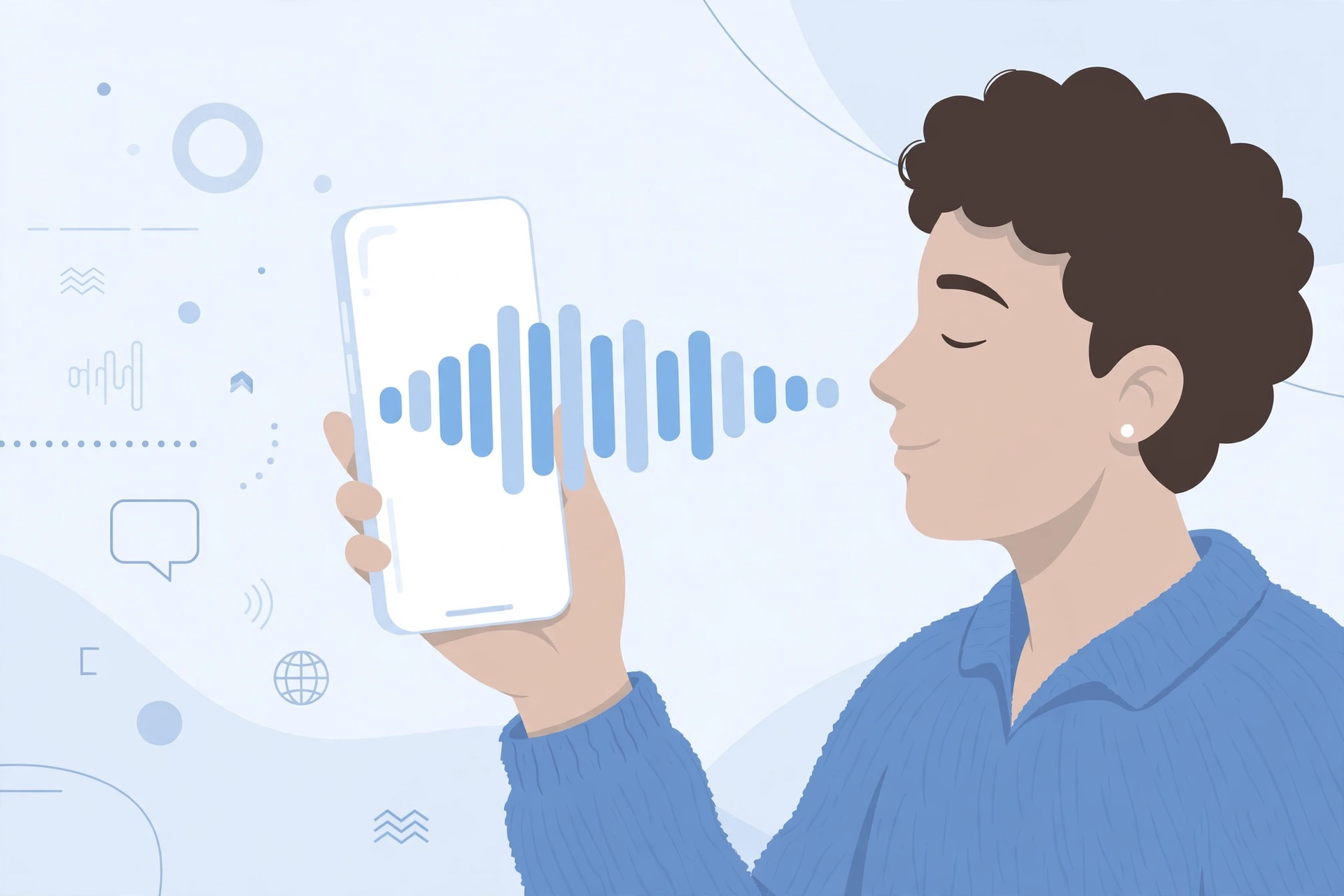
The word joins two ideas. Audio means sound. Displayed means shown. Put together, audiodisplayed describes audio that has been presented on a screen in a form the receiver can see and play. Think of a voice note in a chat app. When the message arrives, the app may show a play button, a waveform, and a duration. At that point, the audio has been displayed, even if the receiver has not tapped play yet. That is the key point. Display is about presentation, not about listening. A person can have an audio message displayed on their phone while they are busy, asleep, or looking at another app. The status tells you the audio reached the display stage. It does not tell you what the person did next.
Does Audiodisplayed Mean Someone Listened?
In short, no, not on its own. Listening is a separate action. It needs the receiver to press play and to hear the sound, and in many systems it also needs the audio to play for a meaningful length of time. Audiodisplayed does not confirm any of those steps. It is possible for audio to be displayed and never played. It is also possible for audio to be played only in part, even after it was displayed. Some platforms use a separate status for played, listened, or completed. If you only see audiodisplayed, treat it as a middle step. It shows the audio was available to the receiver. It does not show that the receiver heard it. If you need proof of listening, look for a played status, a playback record, or a reply that shows the person understood the content.
Audio Status Stages: Sent, Delivered, Displayed, Played, Completed
Audio often moves through stages, and each stage answers a different question. Sent means you created and sent the audio. Delivered means it reached the receiver’s device or account. Displayed means it was shown on screen in a playable form. Played means playback started. Completed means playback reached the end. These stages do not always appear in every app, and some apps combine stages or use different words. Still, the order helps you avoid a common mistake. Do not read a later stage into an earlier one. Delivered is not the same as displayed, displayed is not the same as played, and played is not the same as completed.
Audiodisplayed vs Audio Played
Audiodisplayed means the audio was shown. Audio played means playback started. A displayed voice note may sit unplayed for hours. A played voice note has at least started, even if it was stopped early. If you want to know whether someone started the audio, played is the status to look for, not displayed.
Audiodisplayed vs Audio Delivered
Delivered means the audio arrived. Displayed means it was then shown in the app. Delivery can happen in the background, before the person opens the chat. Display usually happens when the message becomes visible in the conversation. In short, delivered is about arrival, displayed is about presentation.
Audiodisplayed vs Audio Opened
Opened usually means the receiver opened the chat, message, or player. Displayed can be close to opened in some systems, but the words are not always used in the same way. In one app, displayed may mean the message appeared in the list. In another, it may mean the player itself was opened. Because platforms differ, check the help pages or status guide for the app you are using before you draw a conclusion.
Audiodisplayed vs Audio Completed
Completed is the strongest listening signal in this set. It means playback reached the end, or close to the end, depending on the system. Audiodisplayed is much weaker. It only means the audio was shown. A person can display an audio message, play the first second, and stop. That would not count as completed in most systems.
Comparison Table of Audio Statuses
| Status | What it means | Does it prove listening? |
|---|---|---|
| Sent | You sent the audio | No |
| Delivered | The audio reached the receiver | No |
| Audiodisplayed | The audio was shown on screen in playable form | No |
| Played | Playback started | Only that it started |
| Completed | Playback reached the end | Yes, for playback, not for understanding |
Does It Mean the Message Was Read?
No, not in the usual sense. Read normally applies to text. Audio is listened to, not read, although a transcript changes that. If an app shows a transcript of a voice note, a person might read the transcript without playing the audio. In that case, a read status for the transcript is different from an audio status. Audiodisplayed on its own does not prove the message was read or heard. It proves the audio item was presented. For text messages, look for a read or seen status. For audio, look for a played or completed status, and for understanding, look for a clear reply.
Why Is Audiodisplayed Written as One Word?
You may see it written as audiodisplayed, audioDisplayed, or audio_displayed. These are technical forms, not everyday English. Developers often join words together for status names, code, and logs, because spaces can cause problems in systems. The camel case form audioDisplayed and the underscore form audio_displayed are common in code. The single word form audiodisplayed is what users often see when a technical label leaks into a screen, log, or export. None of these forms changes the meaning. They are different spellings of the same technical label.
Is Audiodisplayed Slang?
No. Slang is informal language that people choose in conversation, such as a nickname or a joke word. Audiodisplayed is not used that way in normal speech. People do not say it in a sentence to a friend. It is a system label. It appears in apps, logs, and technical records. If you see it in a chat, it is almost always the system describing a status, not a person using slang.
Where Might You See Audiodisplayed?
You might see it in a messaging app, a voice note log, a call recording system, a customer service tool, or an export of message data. It can also appear in developer tools, analytics, or support tickets. The place where you see it matters. A status in a consumer chat app and a status in a business call system may be defined in different ways. Always note the app, the screen, and the time. That context helps support staff or the sender explain the status correctly.
Common Misunderstandings
First, many people think audiodisplayed means the person listened. It does not. Second, many people think it means the person ignored them on purpose. It does not prove that either. The person may not have seen the notification, may have been busy, or may have opened the chat without playing the audio. Third, many people treat all audio statuses as the same. They are not. Each stage has a different meaning, and mixing them up leads to wrong conclusions. Fourth, some people assume the status works the same way in every app. It does not. Platforms define their own statuses, so a word that means one thing in one app may mean something slightly different in another.
How to Work Out What It Means in Your Case
Start with where you saw it. Write down the app name and the exact screen. Next, check whether the app also shows a played, listened, or completed status for the same audio. If it does, that later status gives you more information. Then, check the app’s help centre or status guide for a definition. If no definition is given, ask the receiver in a simple, polite way, for example by asking whether they had a chance to listen to the voice note. Finally, do not rely on one status alone for an important decision. If the audio contained an instruction, a deadline, or a request, confirm it with a short follow up message. That avoids a misunderstanding based on a technical label.
Frequently Asked Questions About Audiodisplayed
It means an audio item was shown on screen in a form the receiver could play, such as a voice note with a play button. It does not prove the person listened to it.
No, not on its own. It shows the audio was displayed. Listening needs playback, and that is usually shown by a separate played or completed status.
No. Displayed means shown. Played means playback started. An audio item can be displayed without ever being played.
No. Delivered means the audio arrived on the receiver’s device or account. Displayed means it was then shown in the app in playable form.
No. Completed means playback reached the end. Audiodisplayed is an earlier, weaker stage and does not show that the audio was finished.
Because it is a technical status label. Developers join words for system names, and that label can appear in logs, exports, or app screens. It is not everyday slang.
Look for a played or completed status if the app provides one, and if the message matters, send a short polite follow up asking whether they had a chance to listen. Do not assume listening from audiodisplayed alone.
Final Answer / Key Takeaways
Audiodisplayed means an audio item was displayed to the receiver, not that it was listened to. It sits between delivered and played in the usual sequence of audio statuses. It is a technical label, not slang, and its exact definition can depend on the platform. If you remember one thing, remember this: displayed is about being shown, played is about being started, and completed is about being finished. When the content matters, confirm listening with a follow up, rather than reading more into the status than it can prove.





2 Comments